

Add a Merchant level Name-Value Pair in the Portal
Name-Value Pairs are added in the Merchant Configuration page in Portal 1.0 and provide merchant level input. To add a name value pair, do the following- In Vindicia Portal 1.0, go to Admin > Merchant Configurations The general Merchant Configuration page appears
- Select the relevant merchant from the list The relevant Merchant Configuration page appears.
- Click Edit merchant Configurations link at the top of the page.
-
Scroll to the Name/Value Pairs section
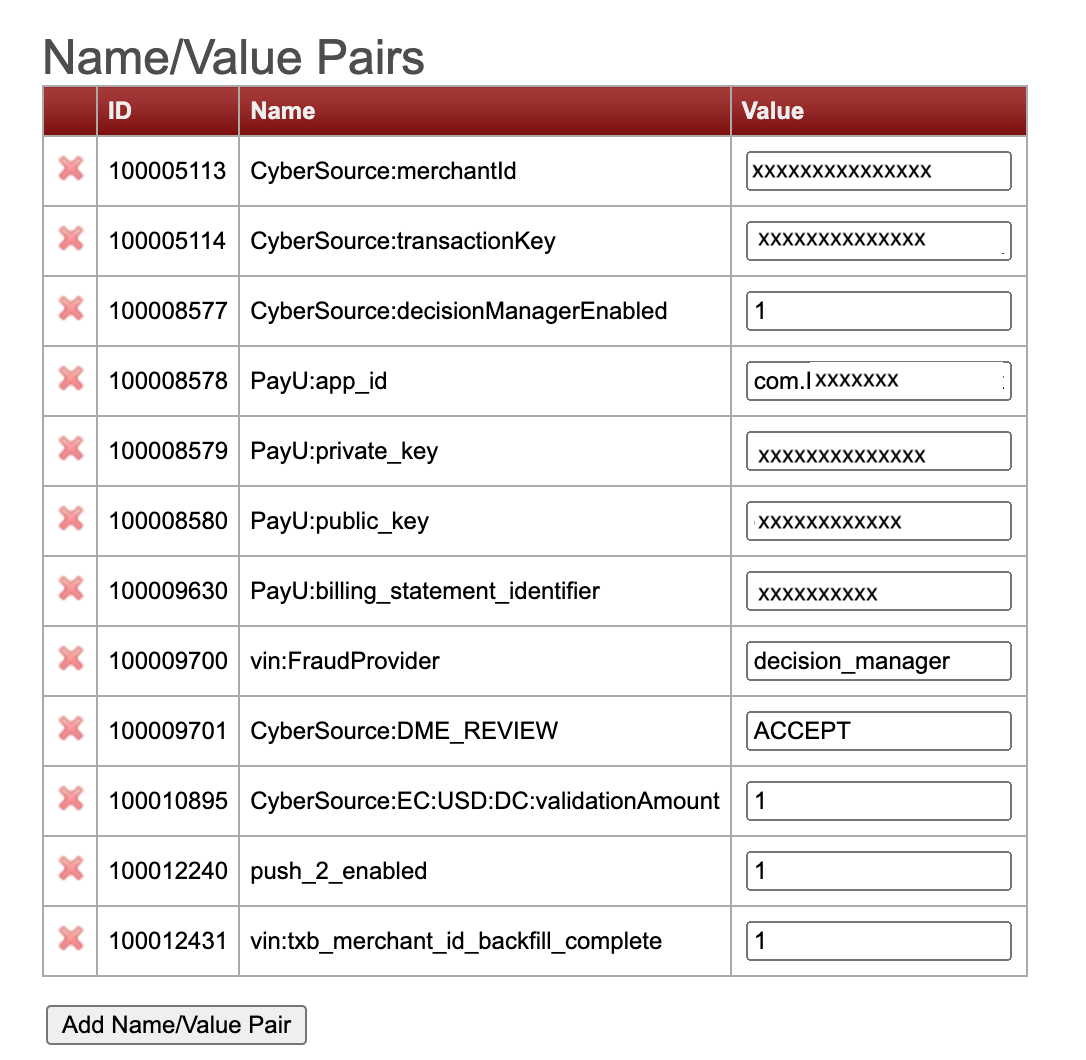
- Click the Add Name/Value Pair button A new line is added to the Name/Value Pairs table.
-
Enter the following:
- ID: a unique ID for the Name Value pair
- Name: enter the name of the merchant level custom date you want to keep. Usually this is a payment provider name entry, see the payment provider section in this guide to find these names
- Value: enter the merchant’s specific value for the desired configuration. You can find the info provided by the merchant in the MAC document.
- Click the Submit button in the middle of the page.