

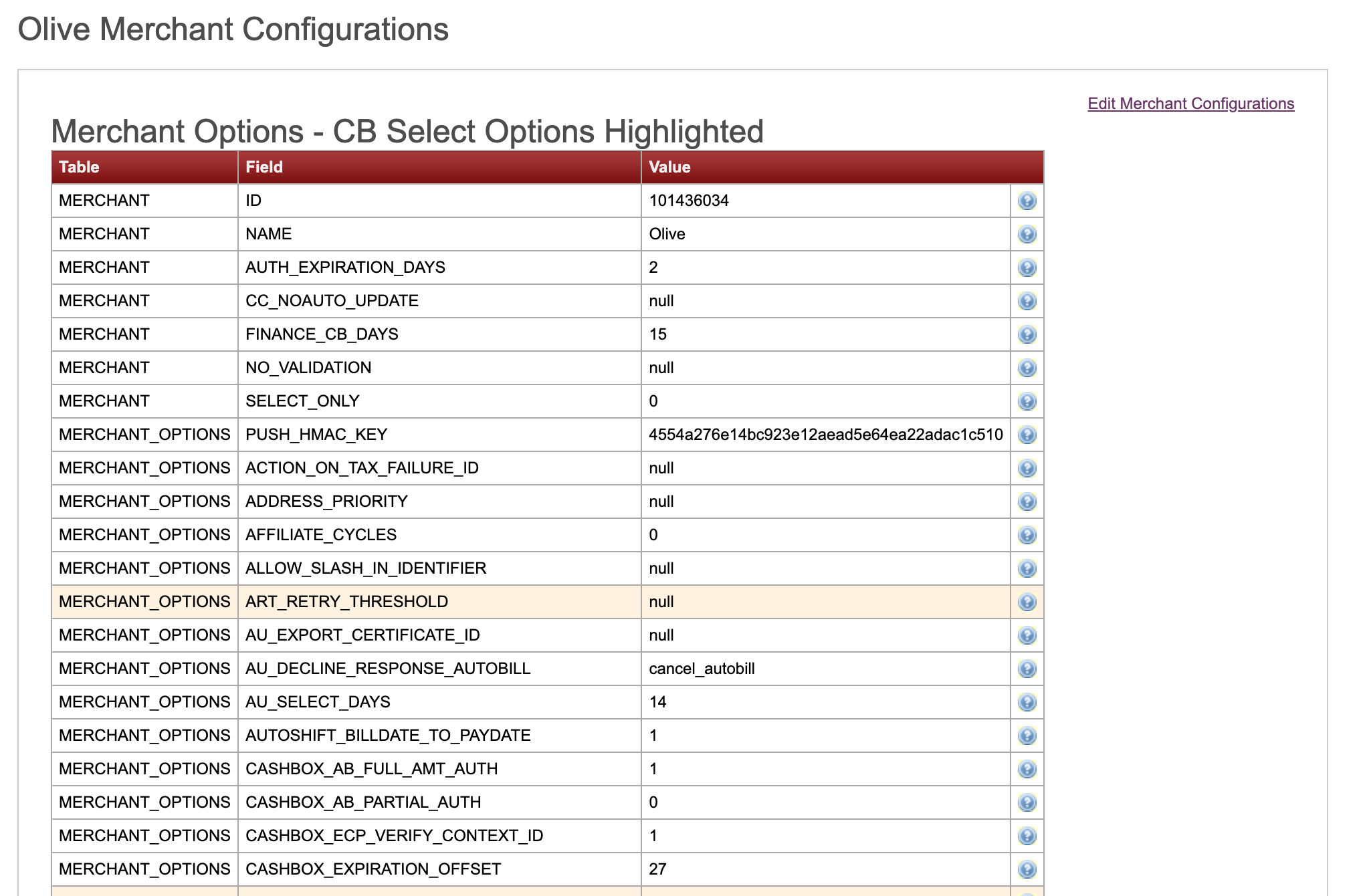
- 1 - Enter this value to enable the field’s operation (means true in a boolean choice). For example, entering 1 for a field called CASHBOX_AB_FULL_AMOUNT_AUTH, enables the subscription (autobill) full amount authorization.
- 0 - Enter this value to disable the field’s operation, (means false in a boolean choice). For example, entering 0 for a field called CASHBOX_AB_FULL_AMOUNT_AUTH, disables the capability to authorize the subscription’s (autobill) full amount.
- Null - Empty value often entered by default. The system chooses the default setting.
- Specific value for a field - Some fields need either numerical or character input such as number of days for a capability, number of attempts for a capability, or a name of a provider. For example, for the field, WEB_SESSION_LIFESPAN, you’d need to enter the lifespan time of a session in seconds. Default is 3600 seconds, you can change that number to a different one.