

- Using an Admin user, access Subscribe Portal 1.0 https://secure.staging.us-west.vindicia.com/login/secure/
-
Select Admin > Create A New Merchant
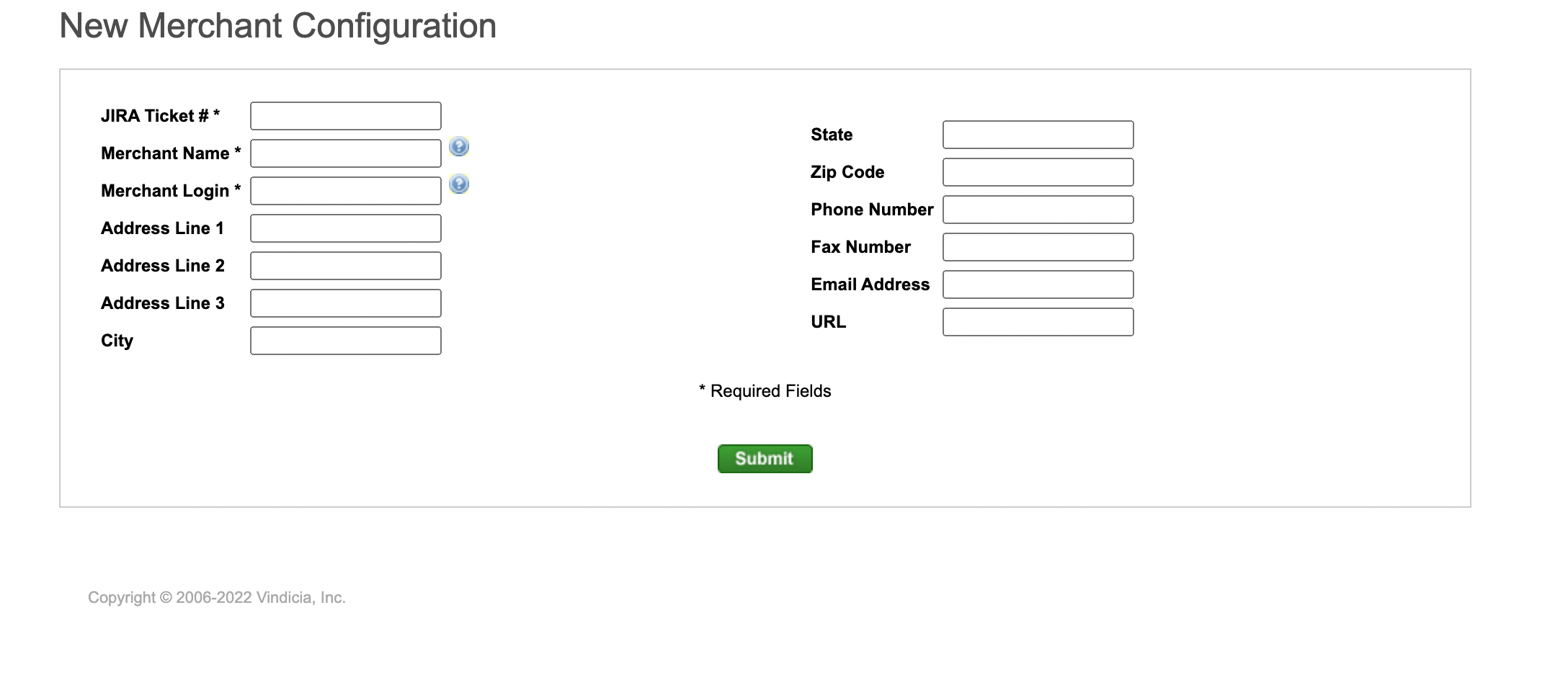
The New Merchant Configuration screen appears.
-
Enter the following details:
- Click Submit. The Merchant account is created. Continue to Merchant Options.
- Generate an hMac key for the merchant to authenticate that Push messages are received from Vindicia.
Adding a Merchant Account
In order to configure a Merchant, a new Merchant account must first be created. This is performed by Vindicia employees with Admin privileges in Subscribe Portal 1.0
Note: Remember that a separate merchant will be created for the Staging environment and for the Production environment.