

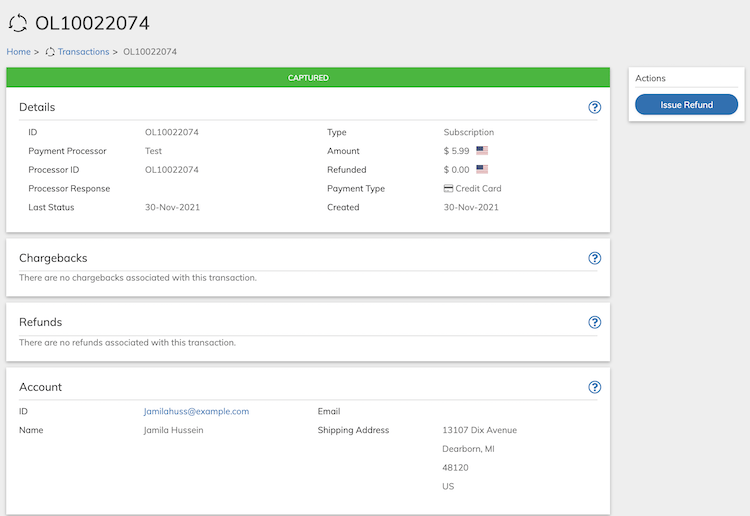
- Search for the relevant transaction from Billing > Subscriptions. Note: At least one key search field (with a blue background) must be used in order to search.
-
Click the Issue Refund button in the Actions Panel.
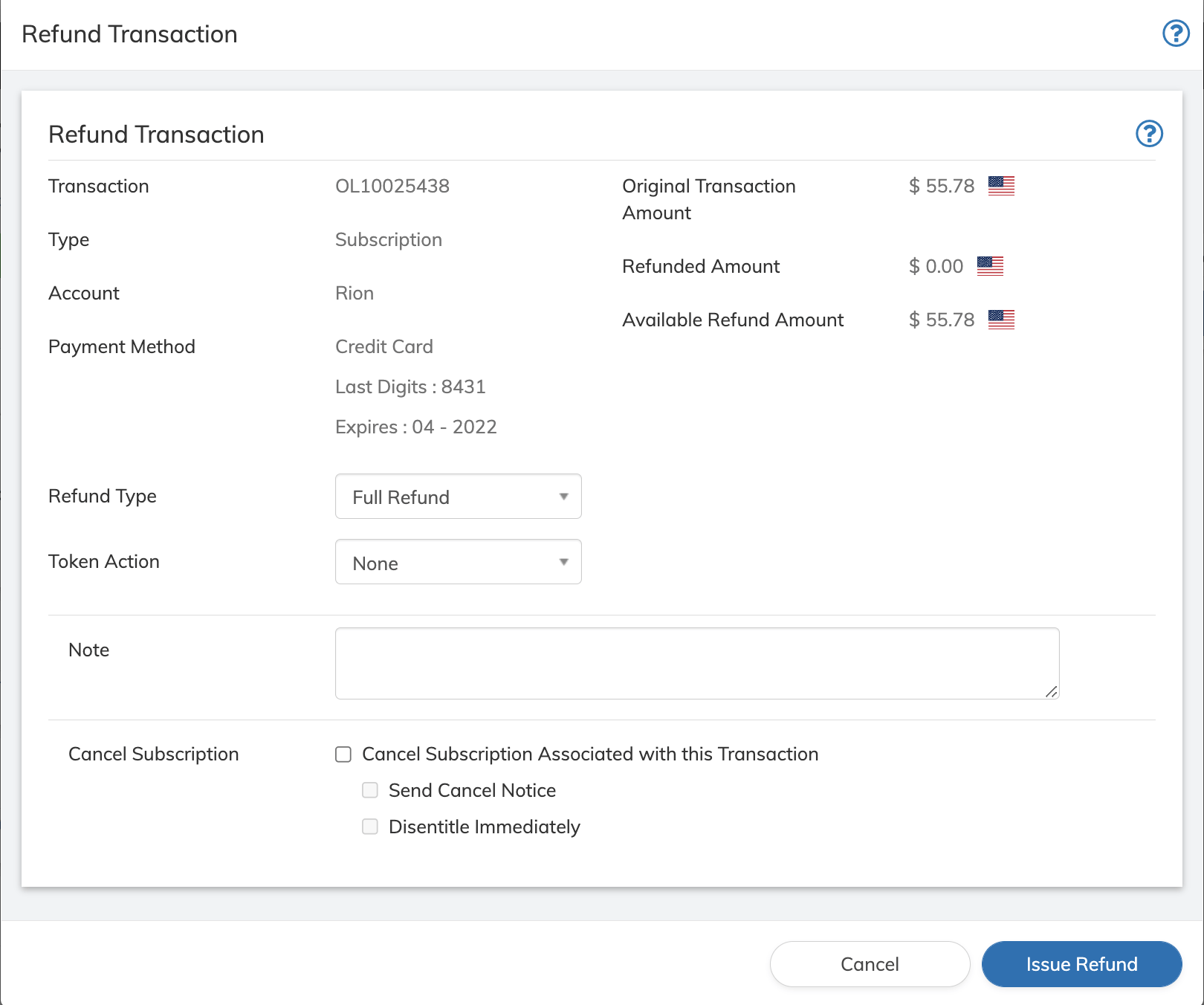
- Define the Refund Transaction fields as needed. Refer to the table below for guidance regarding the fields.
- Click Refund button on the Refund Transaction dialog box. You will receive a success message if the refund transaction goes through successfully.