

- Access the subscription from Billing > Subscriptions.
-
Click Grant Credit in the Actions Panel.
The Grant Credit dialog box appears.
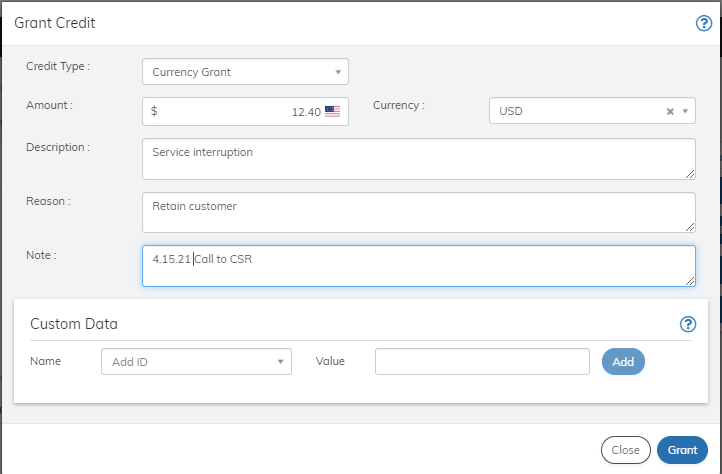
- Define the Grant Credit fields as needed. Refer to the table below for guidance regarding the fields.
- When you’re done, click Grant. The credit is granted to the subscription and appears in the Credits pane.