

- Access the account from Billing > Accounts.
-
Click Grant Credit in the Actions Panel.
The Grant Credit dialog box appears.
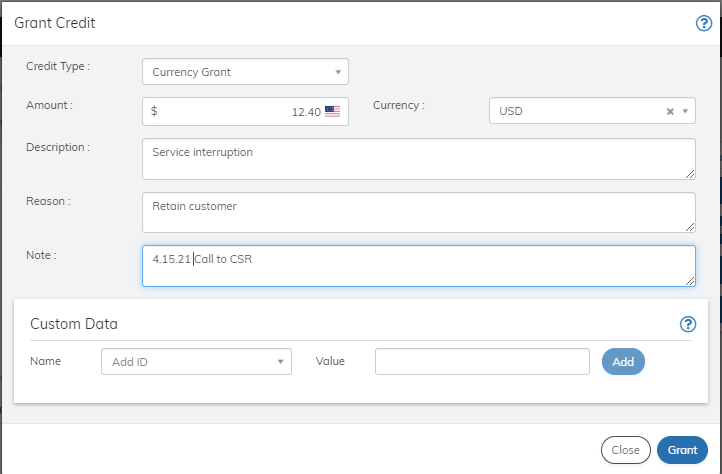
- Define the Grant Credit fields as needed. Refer to the table below for guidance regarding the fields.
- When you’re done, click Grant. The credit is granted to the account and appears in the Credits pane.
Grant Credit to the Account
You can grant currency or token credits to an account using this page. Typically this is done in response to a customer service call. Account-based credits will be consumed by the next transaction that uses the currency or token on the account, either a subscription renewal transaction or a one-time purchase transaction. Credits granted to a subscription will be used first before account credits.
To grant a credit to the account: