

-
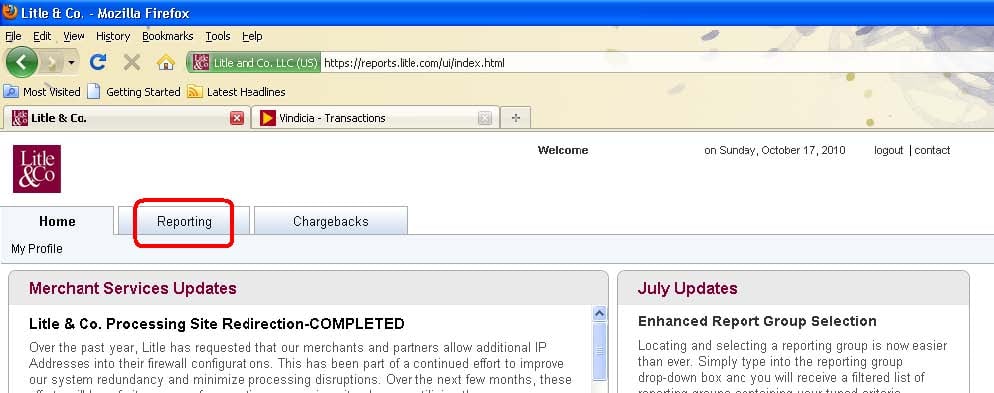
Log into the Litle account and click the Reporting tab.
-
Click the Transaction Summary tab.

-
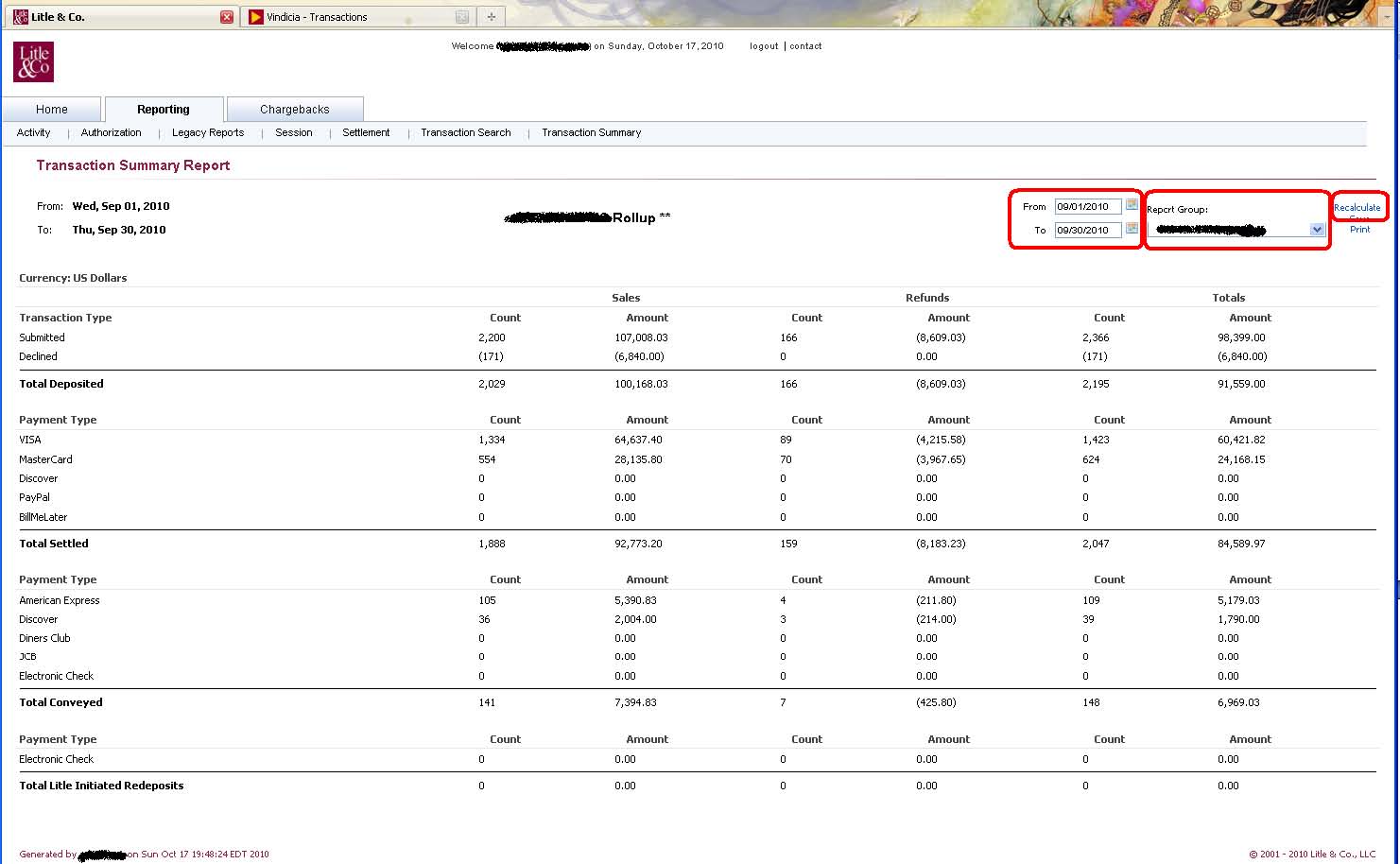
On the Transaction Summary page, enter the relevant dates, confirm the reporting group, and click Recalculate.
The sample Transaction Summary page below indicates that the client submitted 2,200 transactions and that 171 of those transactions were declined. Litle captured a total of $100,168.03 for the merchant.
Note:
If transactions include multiple currencies, reports are easiest to work with when viewing one currency at a time.
Retrieve Transactions in Litle
To retrieve transactions captured by Litle, run the Transaction Summary Report as follows: