

- Access the invoice from Billing > Invoices
-
Click the Make Payment button in the Actions Panel.
Note: Make Payment button is active only if the invoice status is Due or Overdue.
The Make Payment dialog box appears.
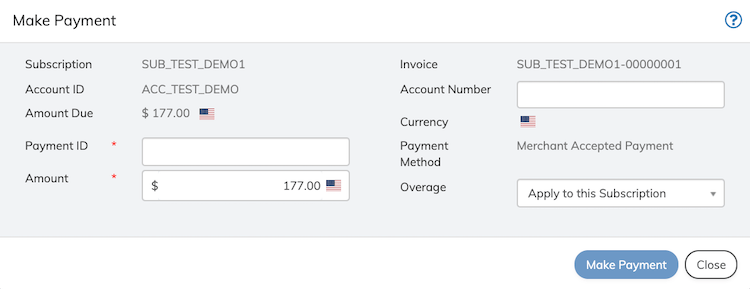
- Define the fields as needed. Refer to the table below for guidance regarding the fields.
- Click Make Payment button on the Make Payment dialog box. On successful payment, the associated invoice status is updated to Paid.