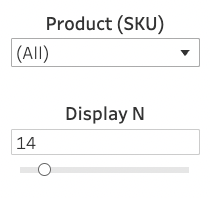
- In the Product (SKU) dropdown list, select specific products to appear or leave All selected to include all products.
- Use the Display N slider to select the number of products displayed in the chart. If you have all products selected in the Product (SKU) dropdown list, the Display N filter narrows down the results to the selected number of top performing products.
-
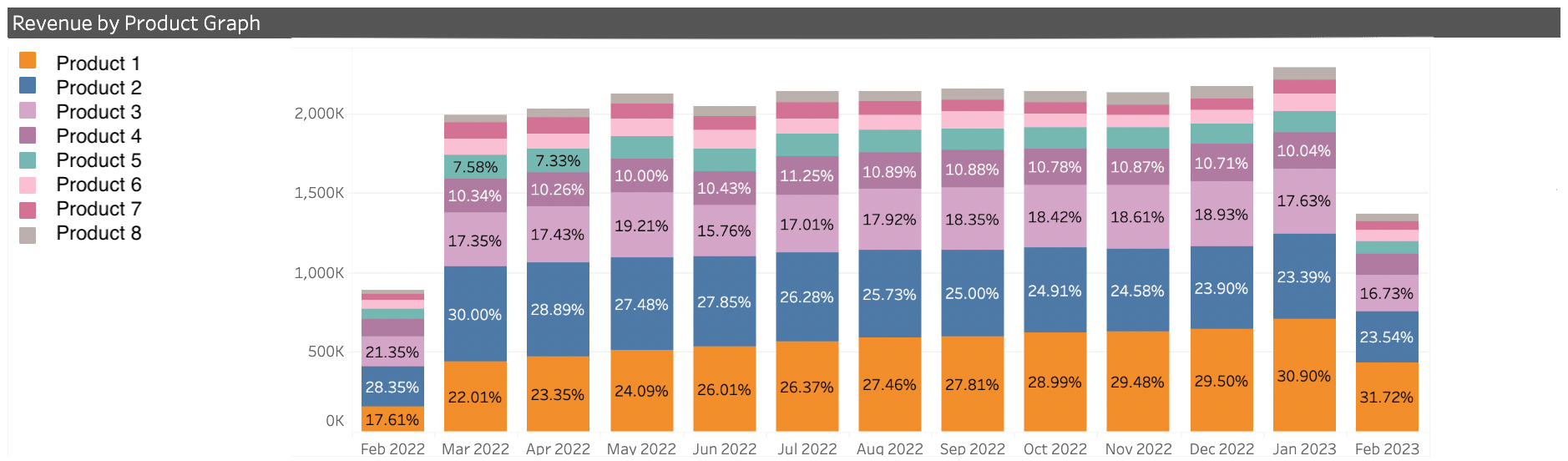
Revenue By Product Graph - This graph shows the percentage of your monthly revenue that each displayed product generated over the past 12 months. To see your top perfoming products, select All in the Product (SKU) dropdown list
-
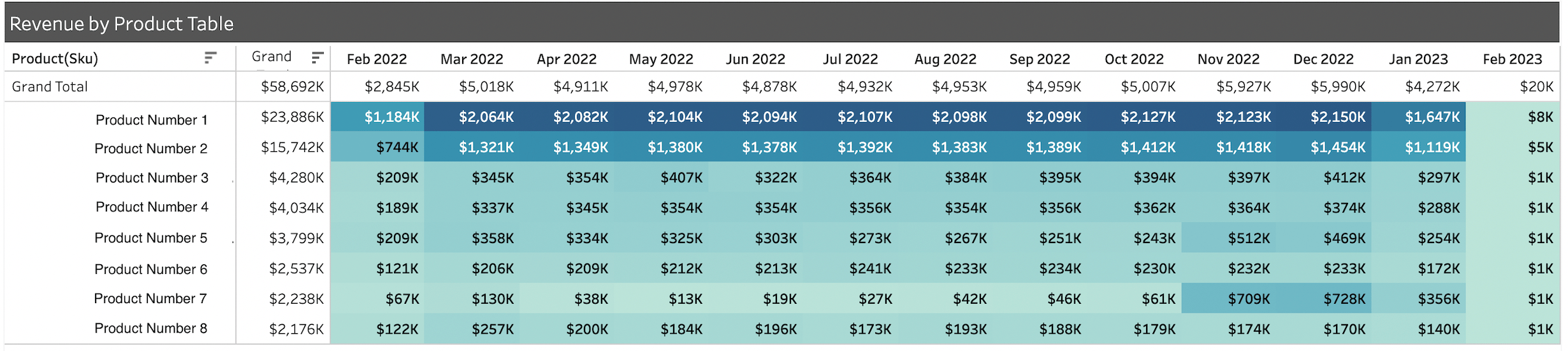
Revenue By Product Table - This table displays the revenue (in US Dollars) generated by each displayed product. It displays the monthly contribution as well as the annual total.