

- **Use Case Number:**2-8-02
- **Completed By:**NA
- **Estimated Completion Time:**NA
Basic Scenario
The Subscription has reached the season start date for the sports league and the subscriber’s credit card on file is charged for the new season.Design Approach
Unlike a standard Subscription, a seasonal Subscription starts and ends based on the Season Set associated with the Billing Plan for the given Subscription (see Configure Subscription Products Based on a Season). Subscribe collects the charge from the subscriber on the start date of the upcoming season.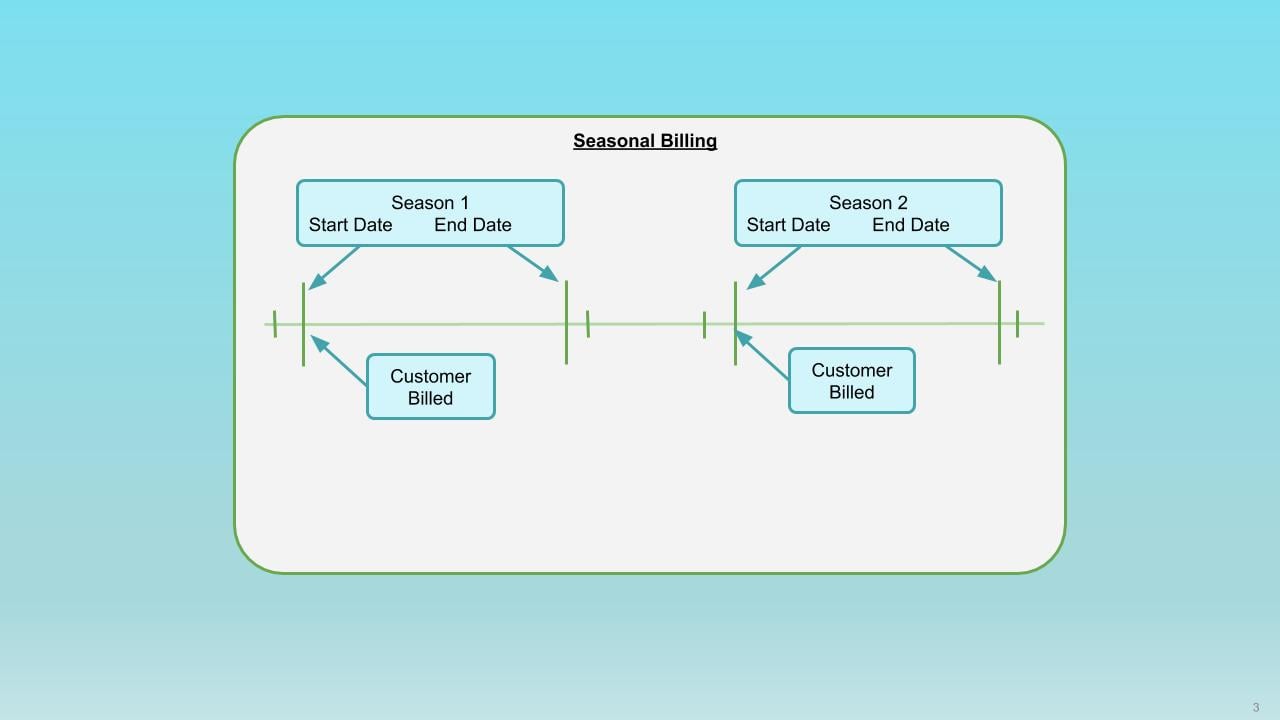
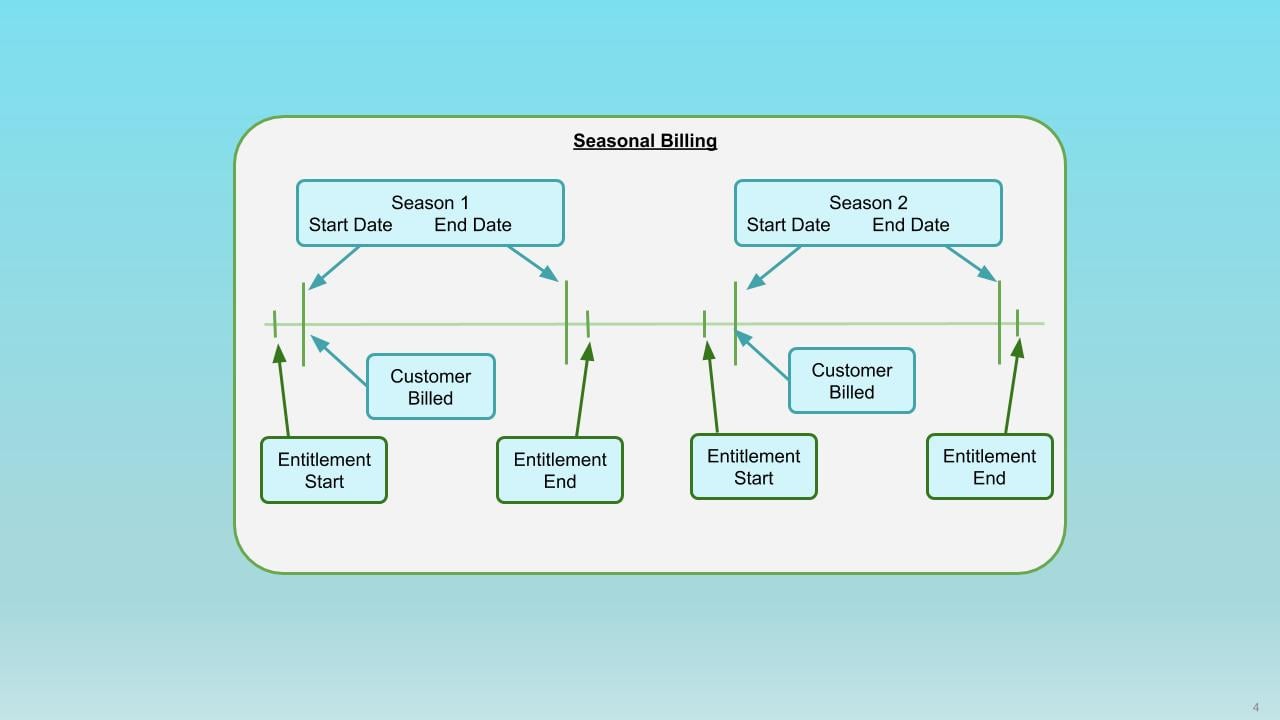
- An additional Transaction is generated if applicable, including any applicable taxation, and charged to the subscriber’s on-file payment method.
- Future billings are correctly predicted.
- Appropriate Entitlements remain in place.
- Subscribe applies the configured retry strategy for failed payments (see Manage Grace Period And Retry Strategy for Failed Payments).
- The subscriber remains entitled through the end of the grace period.