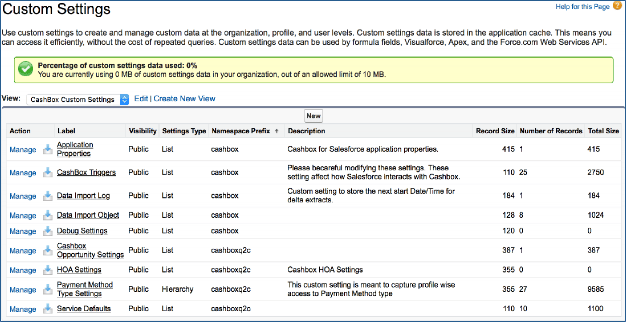
Application Properties
In the Application Properties section, Subscribe (Basic) stores certain customer-specific Subscribe information. This information is maintained and automatically updated by the Subscribe package. Do not edit or delete any fields.Subscribe Triggers
For the Subscribe applications to work properly you must set triggers to ON. This is the default. However, if you have custom code running in your organization, you may need to turn off Subscribe triggers during testing or debugging. You can disable one or more of the Subscribe triggers from the Custom Settings. Click Manage Subscribe Triggers to see a list of all triggers, as shown in the following figure.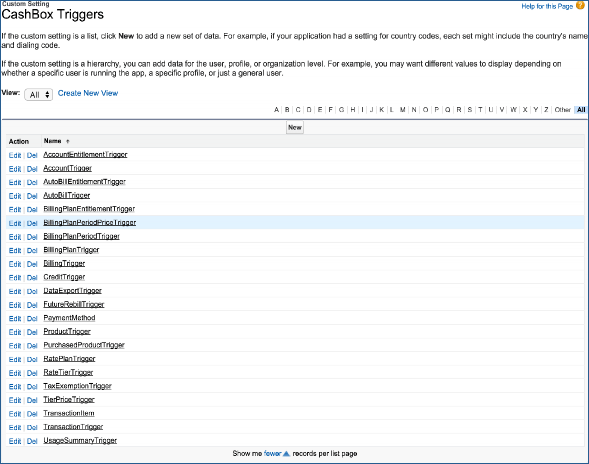
True during your testing.
Warning:
You must uncheck any flags you check before resuming normal Subscribe operation.
Data Import Log
Click Manage Data Import Log to adjust the start and end time stamps for manual data import. The following figure shows the Data Import Log Edit page.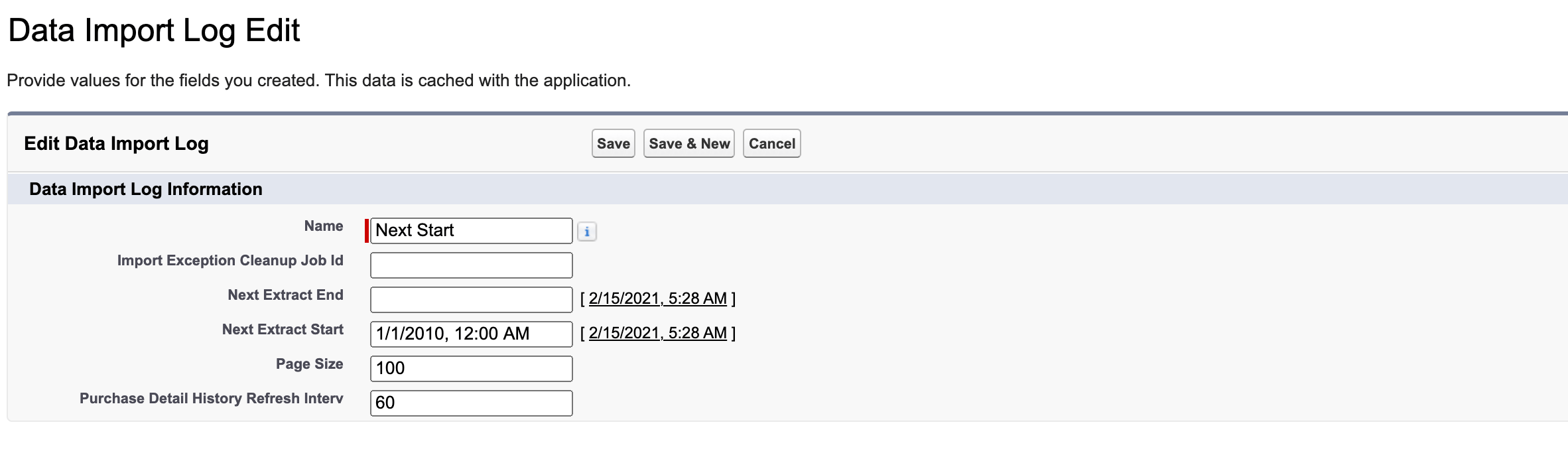
Data Import Object
The following figure shows the Data Import Object page.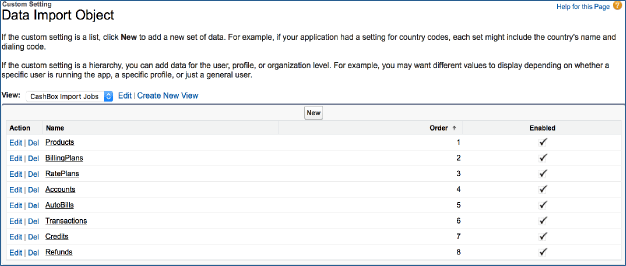
Debug Settings
This section of Custom Settings is where Subscribe-specific settings and debugging information is stored. Debug settings are automatically updated by the Subscribe (Basic) application. Do not edit or delete any of its fields.Subscribe Opportunity Settings
This section of Custom Settings is where Subscribe (Premium) stores Opportunity-related customer settings. By default, only one record is inserted for the Account shipping address override. If you are using custom Opportunity record types, this is where you map all your customer record types to either subscription (AutoBill) or One-Time Charge record types.Hosted Order Automation (HOA) Settings
This section of the Custom Settings is where Subscribe (Premium) stores Hosted Order Automation settings. This information is used in the custom Visual Force page, where you create Payment Methods. Do not edit or delete any of these fields.Payment Method Type Settings
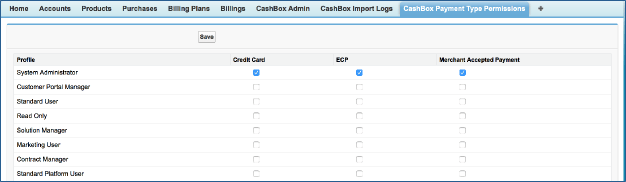
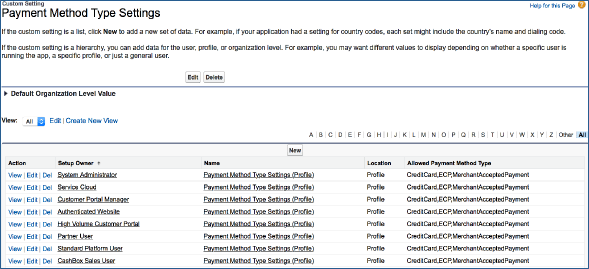
When you configure the full site with access to all users, by default all Payment Methods (Credit Card, ECP, Merchant Accepted Payment) are available to all users in your Salesforce instance. However, if you have a business requirement to allow only certain users access to creating Payment Methods, click the Subscribe Payment Type Permissions tab, and assign the payment methods that you want to allow by profile, as shown in the following figure.